ARSEG · Norma Regulamentar n.º 1/26
The move to the PCESR, with proof of every step.
InsureLedger converts your current trial balance to the new chart of accounts for Angolan insurers, reconciles before and after, and hands auditors a pack with a hash-chained audit trail.
—days until 1 January 2027
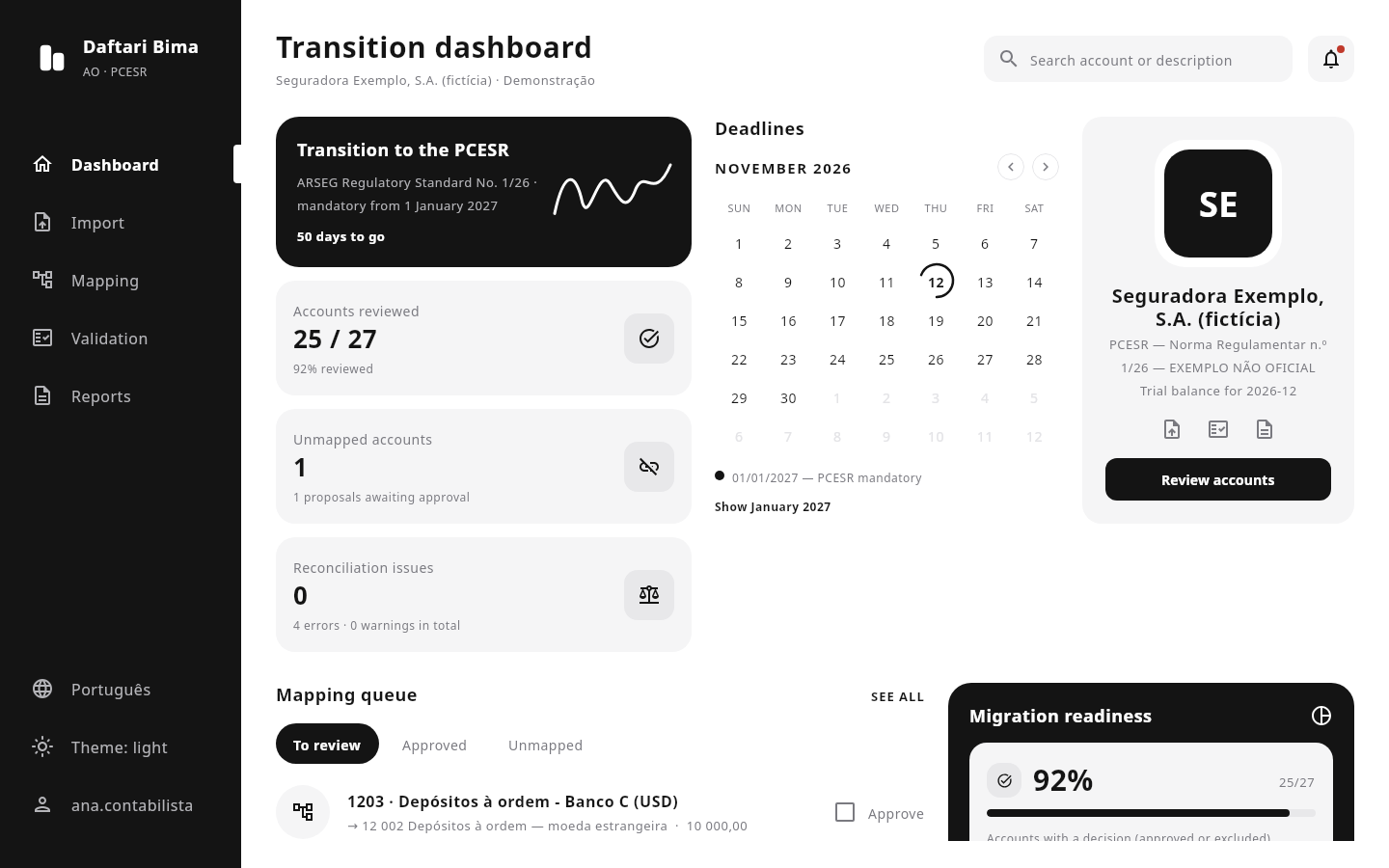
1/1/2027
PCESR mandatory
3 steps
import · map · reconcile
100%
of actions in the audit trail
0
data sent off the computer
The problem
Changing your chart of accounts is not a spreadsheet exercise.
From 1 January 2027 every insurer and reinsurer supervised by ARSEG reports in the PCESR. Today, most will do it in spreadsheets.
Hundreds of accounts, mapped by hand
Every legacy account needs a PCESR destination — sometimes split across several, sometimes merged. In a spreadsheet, a broken formula goes unnoticed.
No trail for the auditor
Who decided account 5202 goes to 52? On what grounds? When? The answer is in an e-mail, or nowhere.
Reconciliation at the end, not along the way
The converted trial balance must tie to the original. Finding the gap the day before closing costs weeks.
Adjustments without segregation
Transition adjustments (IFRS 1) are proposed and approved by the same person, with no supporting document attached.
Knowledge in one head
The mapping lives with whoever built the sheet. If they leave, the project starts over.
Fixed deadline, small teams
Accounting runs the transition while closing the year. There is no room for rework.
The solution
A transition engine built for the PCESR.
InsureLedger doesn't replace your ERP or post entries. It prepares, documents and proves the conversion, so accounting decides and the auditor can confirm.
- A
Import and diagnostic
Trial balance from CSV or Excel with a SHA-256 fingerprint, immutable batches and explained rejected lines. The PCESR chart is loaded from the file your accountant validated.
- B
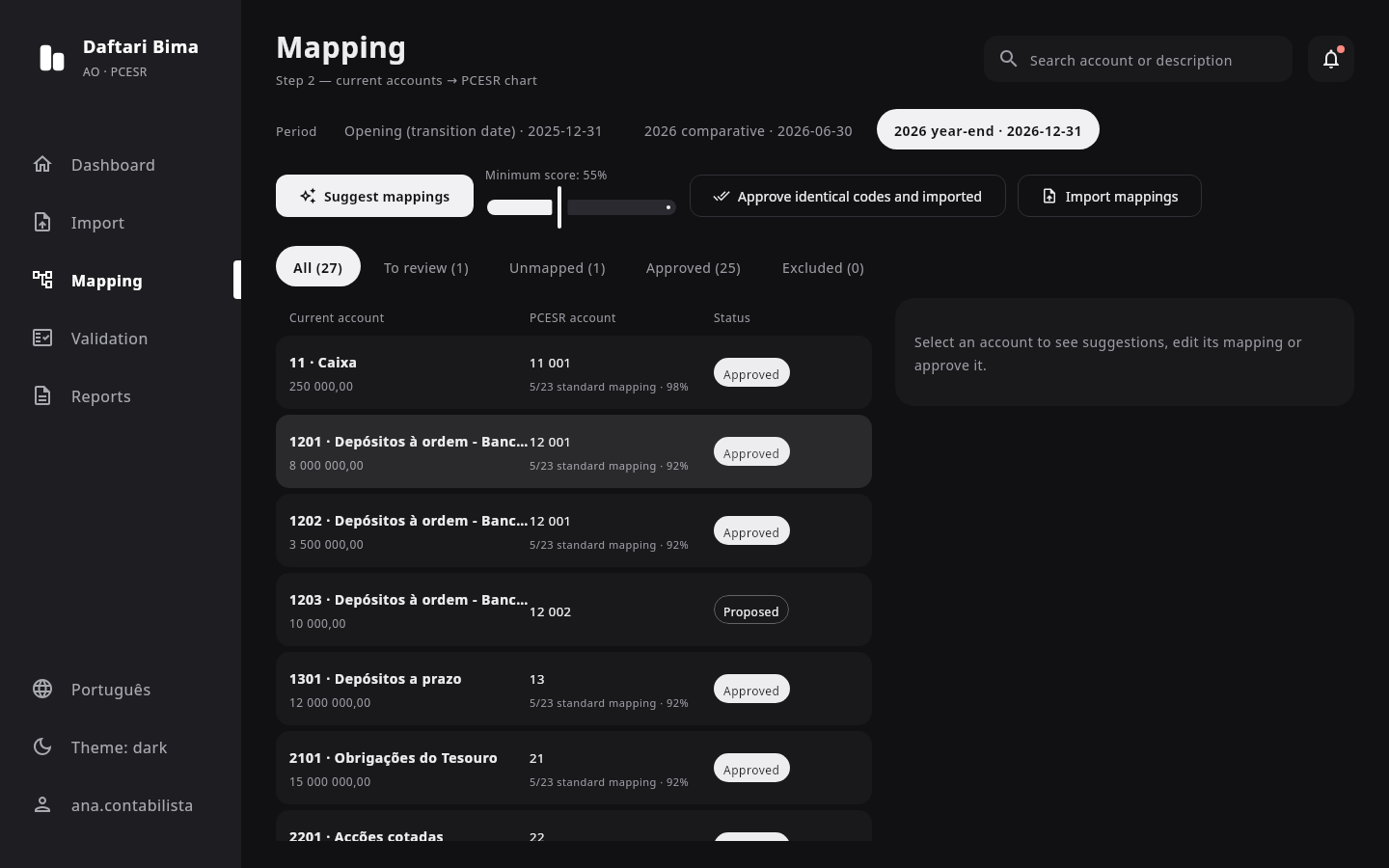
Mapping engine
Suggestions by identical code or description similarity, with an explained score. 1:1 mappings, percentage splits and many-to-one. Every description-based suggestion is approved one by one.
- C
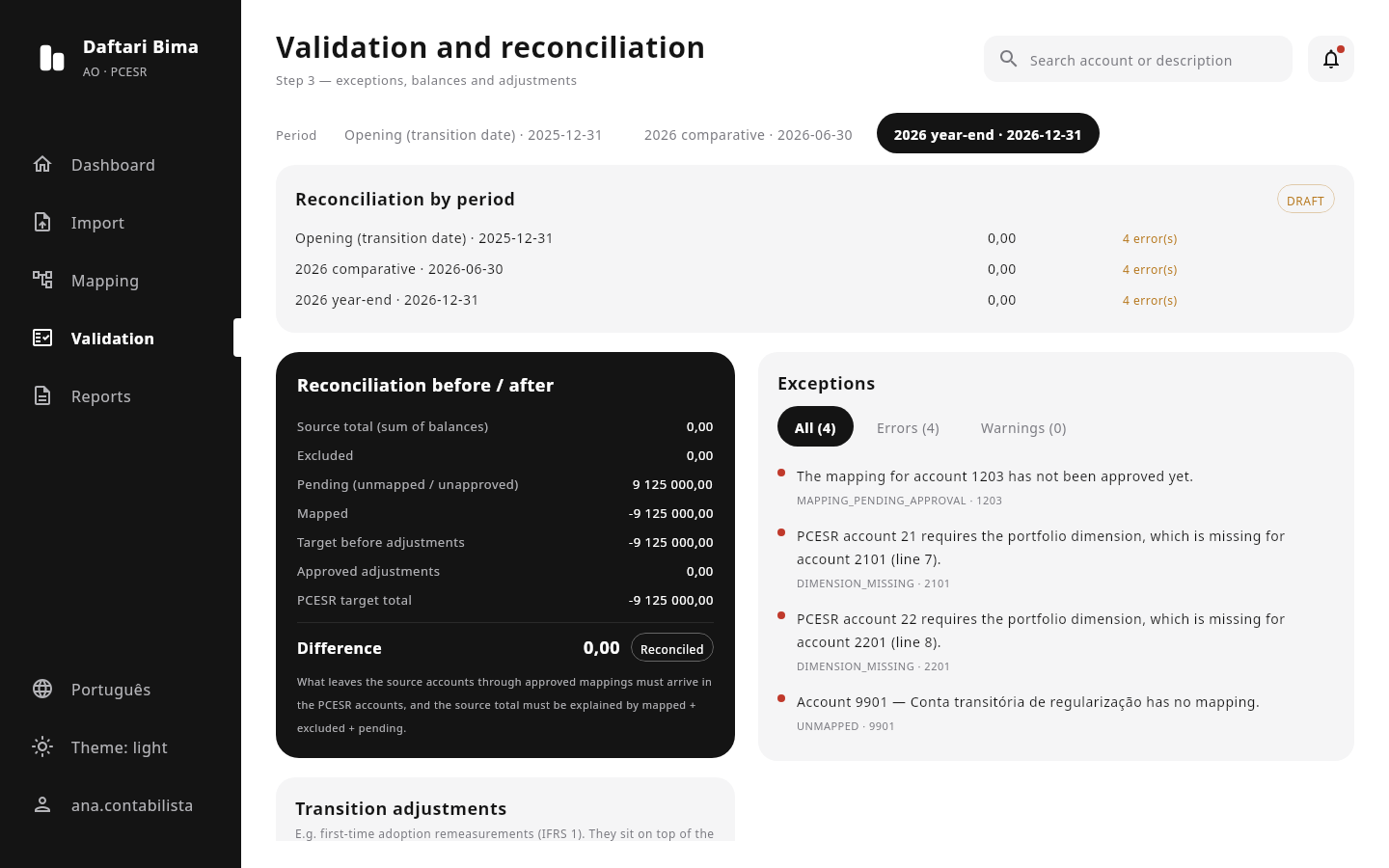
Reconciliation and reports
Exceptions, before/after reconciliation, IFRS 1 adjustments with segregation of duties, and a migration pack in Excel, PDF, CSV plus a manifest of hashes.
What your team gets
- Explainable suggestionsEvery proposal says why: identical code, or description similarity with its score.
- Splits and mergesOne account to many (by percentage) or many to one, validated to 100%.
- Continuous reconciliationThe gap between original and converted trial balance is always visible — not just at the end.
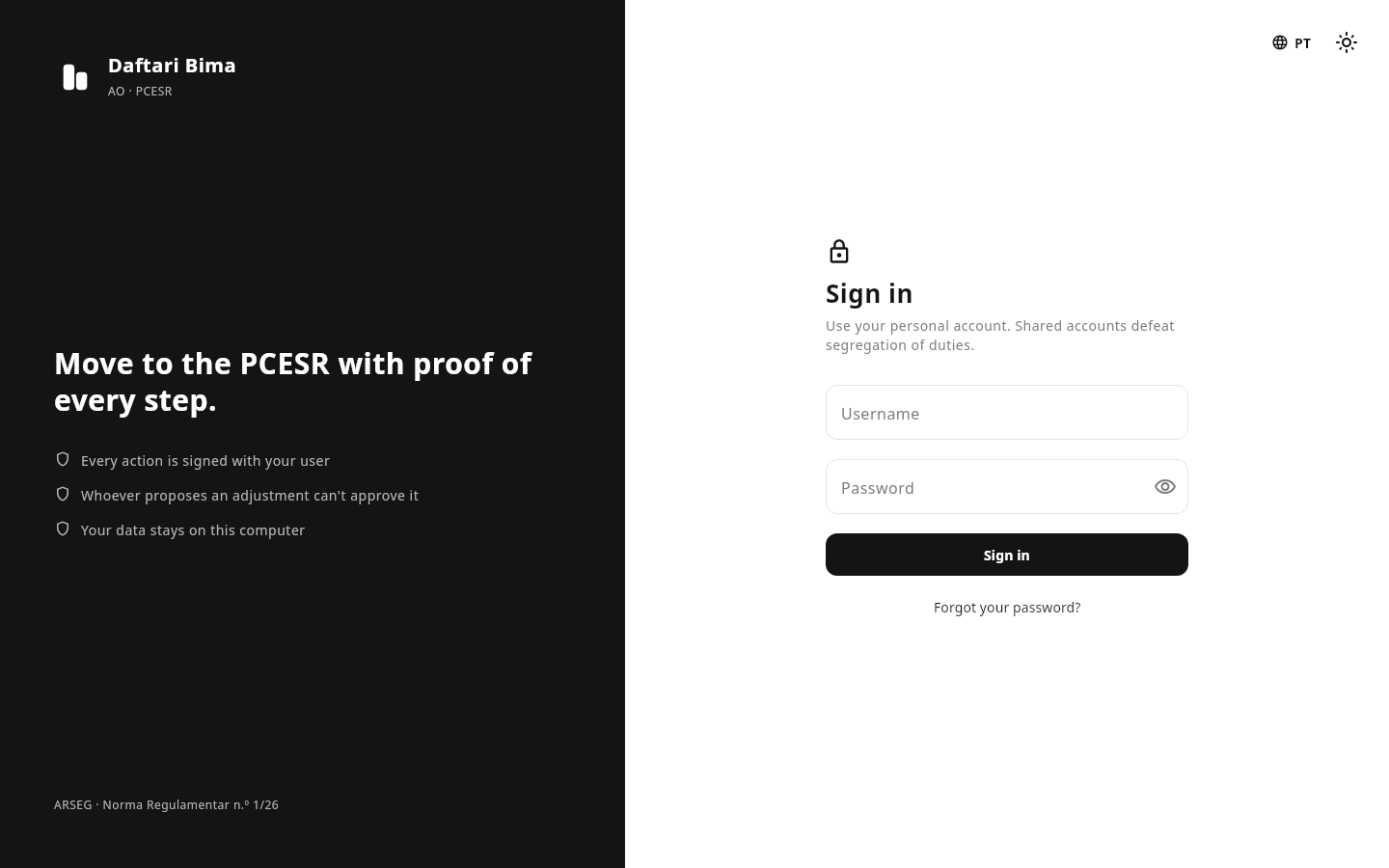
- Segregation of dutiesWhoever proposes an adjustment can't approve it. Everyone signs in with their own account.
- Chained trailEvery action is logged with the hash of the previous one. Deleting or editing an event breaks the chain.
- Auditor-ready packExcel, a PDF management summary, CSV and a manifest with each file's SHA-256.
- DRAFT or FINALWith open errors, the pack is marked DRAFT and lists the exceptions.
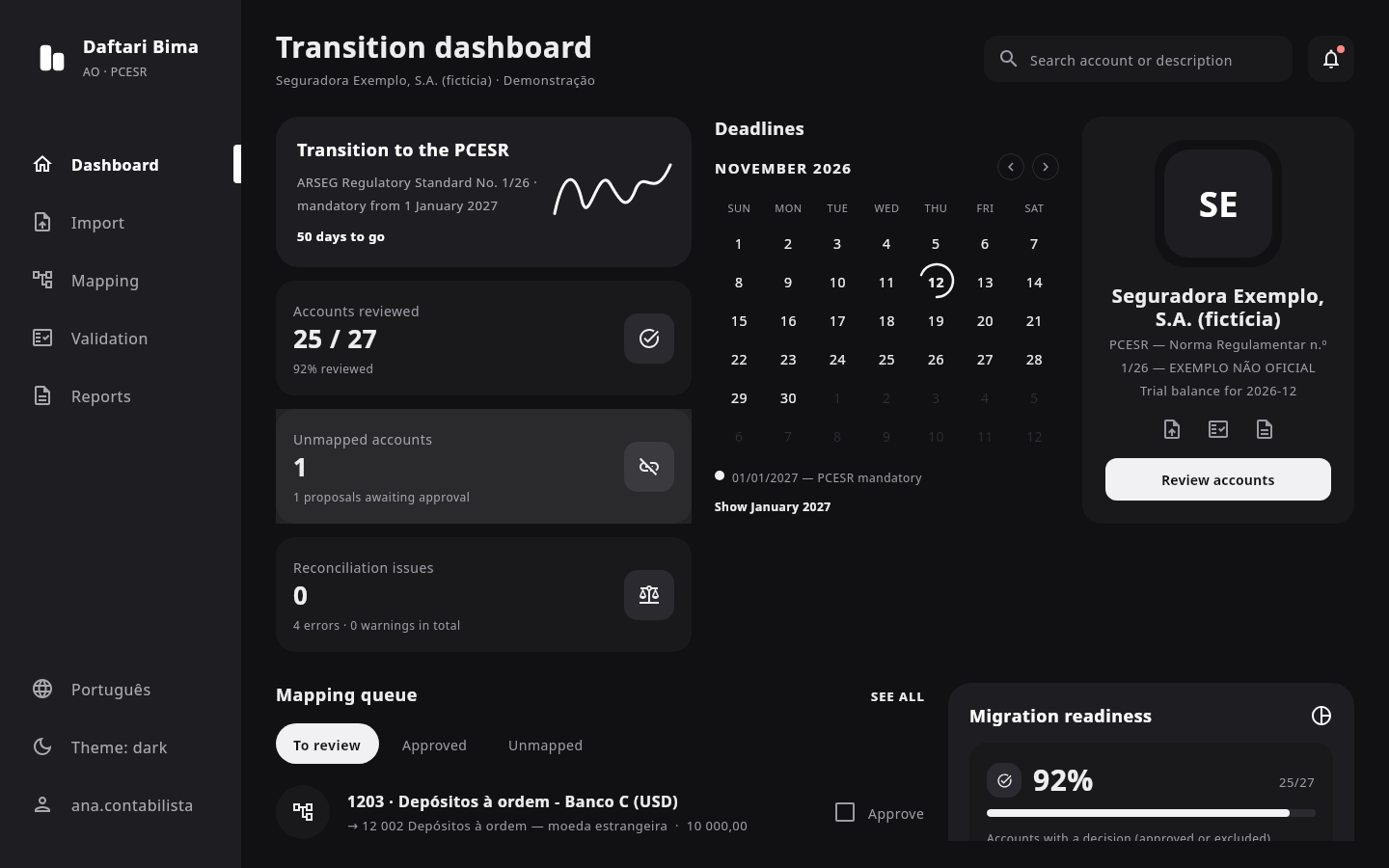
- Portuguese and English, light and darkBilingual interface, light or dark theme, built for long closing days.
Spreadsheet vs. InsureLedger
| Spreadsheet | InsureLedger | |
|---|---|---|
| Who approved each mapping | Unknown | User, date and justification |
| Accounts with no destination | Found at the end | Listed from import |
| Before/after reconciliation | Manual, at closing | Automatic, always visible |
| IFRS 1 adjustments | Same person proposes and approves | Approved by another user |
| Proof of integrity | None | SHA-256 of files and chained trail |
| Rerun with the December trial balance | Redo everything | Import a new batch, reuse mappings |
Security
Your numbers never leave your computer.
The desktop version works offline. There is no server of ours holding your trial balance.
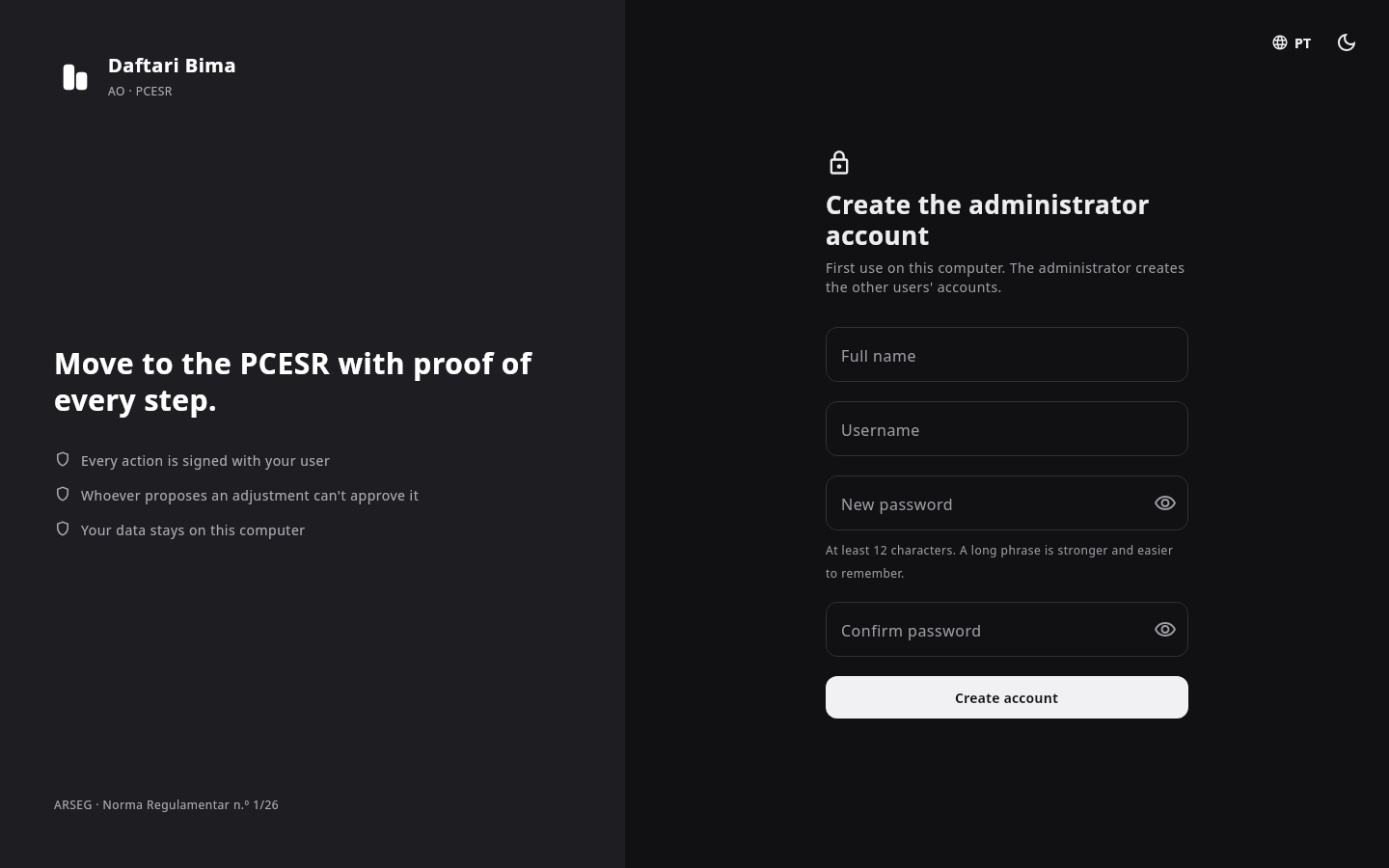
- Personal accountsPasswords hashed with PBKDF2-HMAC-SHA256 (600,000 iterations), 12-character minimum and common passwords blocked.
- Guessing protectionProgressive lockout after 5 failed attempts, and messages that never reveal whether a user exists.
- Recovery without e-mailSingle-use recovery codes, shown once and stored only as hashes. An administrator can reset with a temporary password.
- Sessions that expireThe session ends after 15 minutes of inactivity.
- Security logSign-ins, failures, lockouts and password changes in a hash-chained log.
- Protected filesAtomic writes and owner-only permissions on the account files.
Who it's for
CFO
Readiness and deadline at a glance, without depending on a spreadsheet.
Accounting
Less manual work, suggestions reviewed one by one and reconciliation always in view.
Internal audit and compliance
A full trail of who did what, with segregation of duties enforced by the system.
External auditor
A pack with hashes that lets you check the data wasn't changed.
What InsureLedger doesn't do
- It doesn't post entries to your ERP — it prepares and documents the conversion.
- It ships no account codes: the PCESR chart is the file your insurer supplies and validates.
- It is not certified or approved by ARSEG, and it does not claim compliance on your behalf.
Frequently asked questions
Download
Install InsureLedger on your computer
Register to get the download links for Windows, macOS and Linux. Your accounting data never leaves your computer.
A few months left. Start with the import.
We'll show you the tool with the bundled fictional trial balance, or with yours, on your computer.